

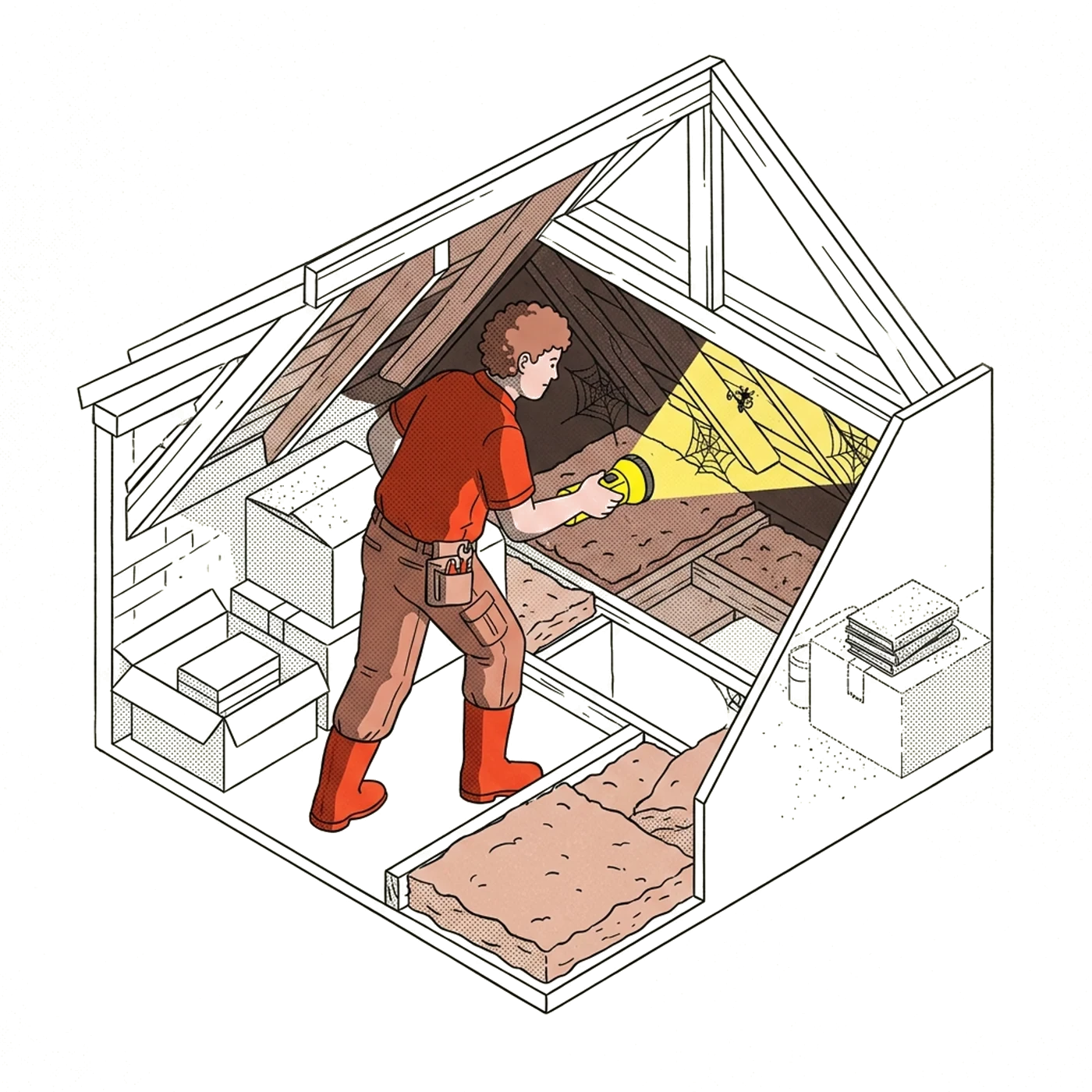
Reports your clients finish reading, written before you leave the driveway
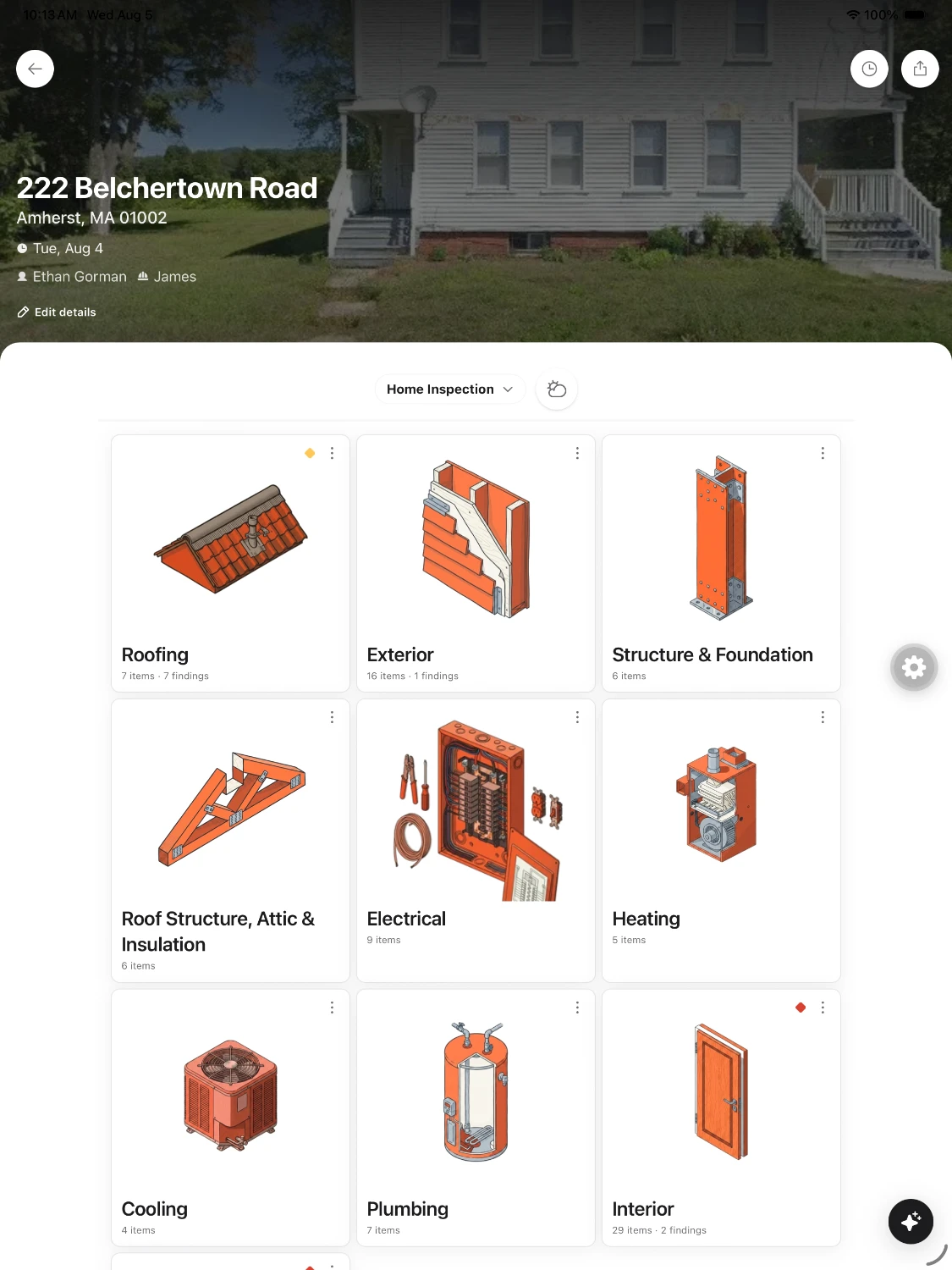
Write the report on your phone while you're still in the house, with or without signal, alongside the rest of your crew. Your client gets a link they can open anywhere.
Highlights
From the booking to the paid invoice
Findings come first, sorted by severity.
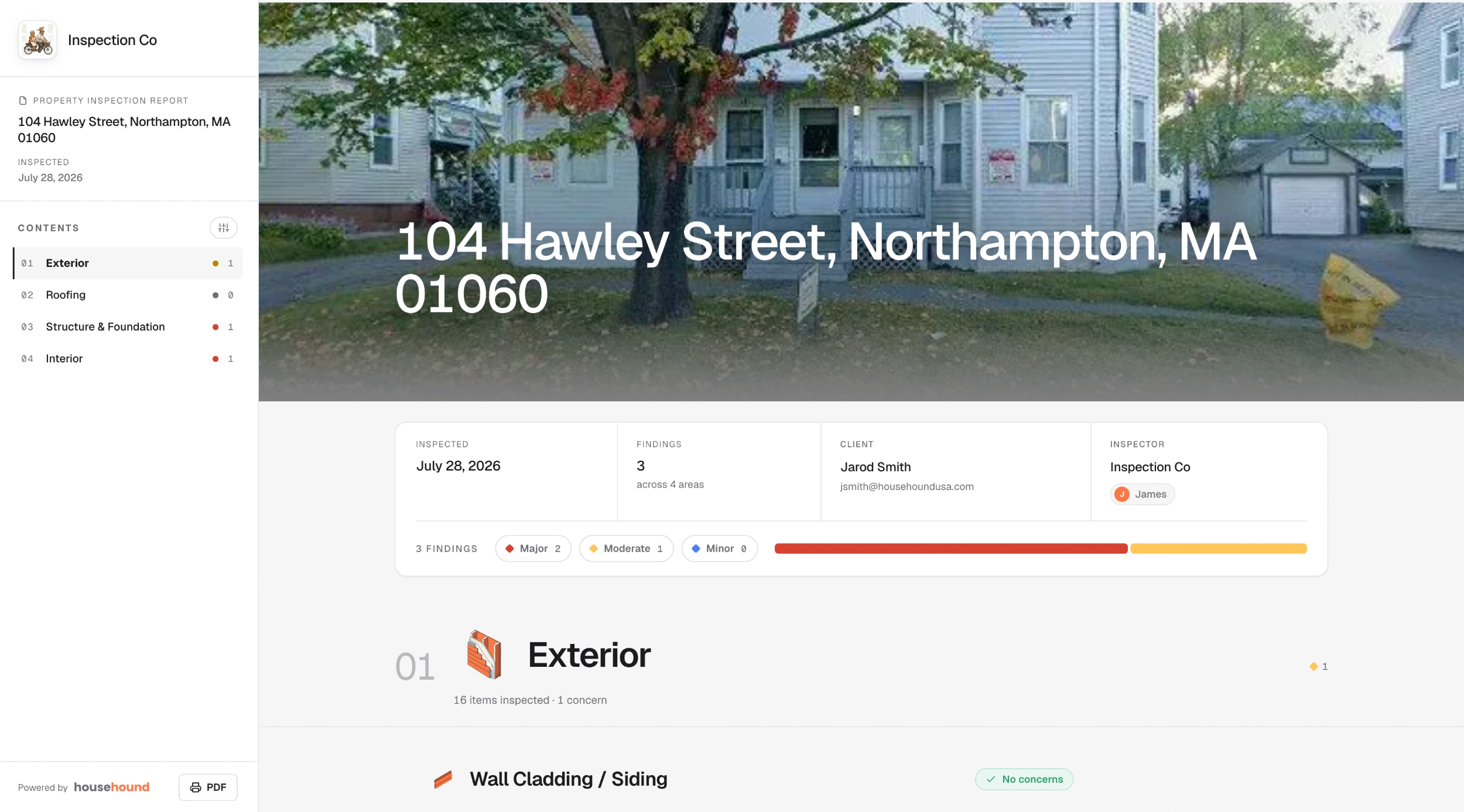
Photo, severity, and recommendation, written before you're down the ladder.
Bring the comment library you've spent years building.
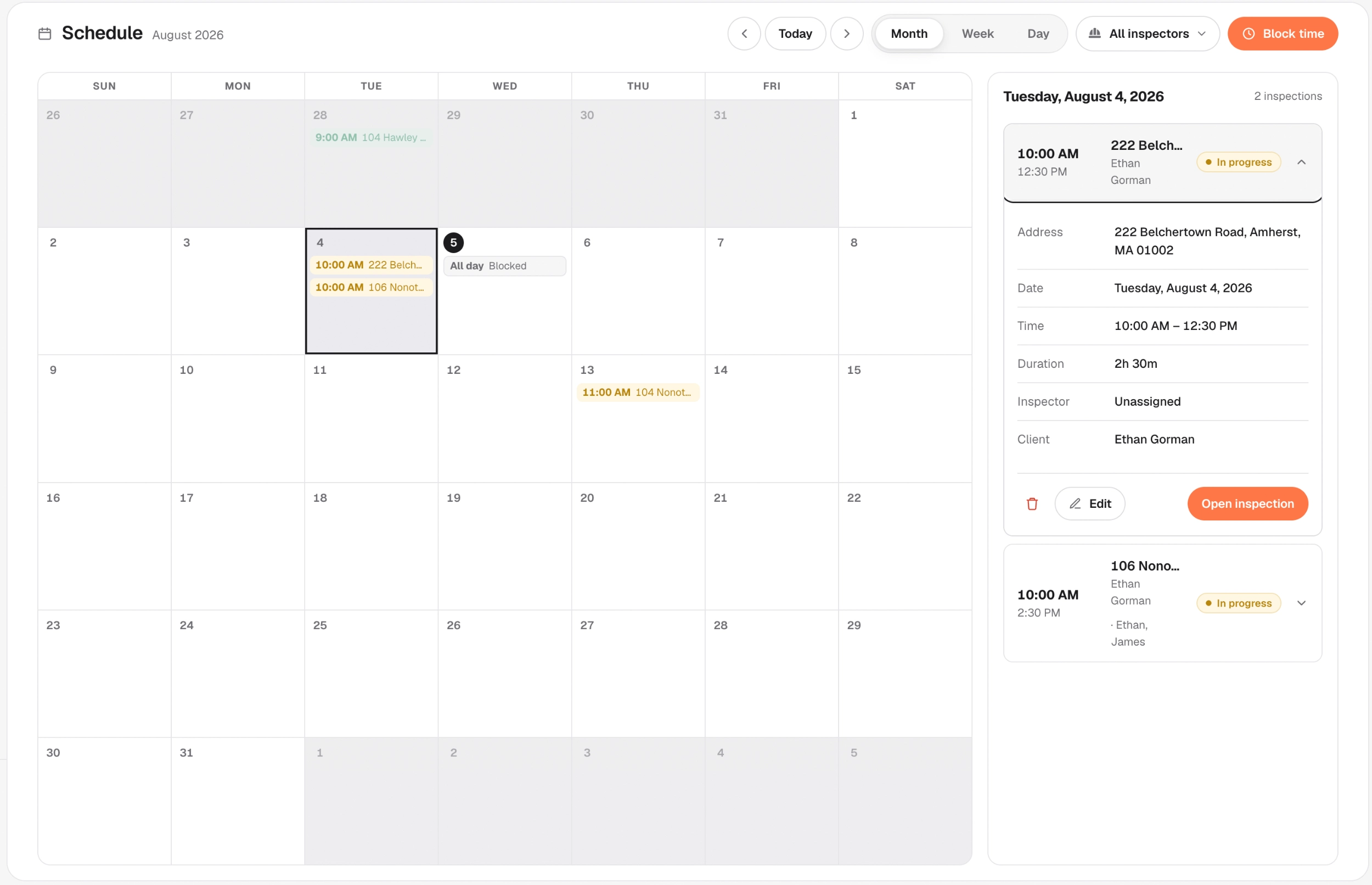
Every inspector's jobs on one calendar.
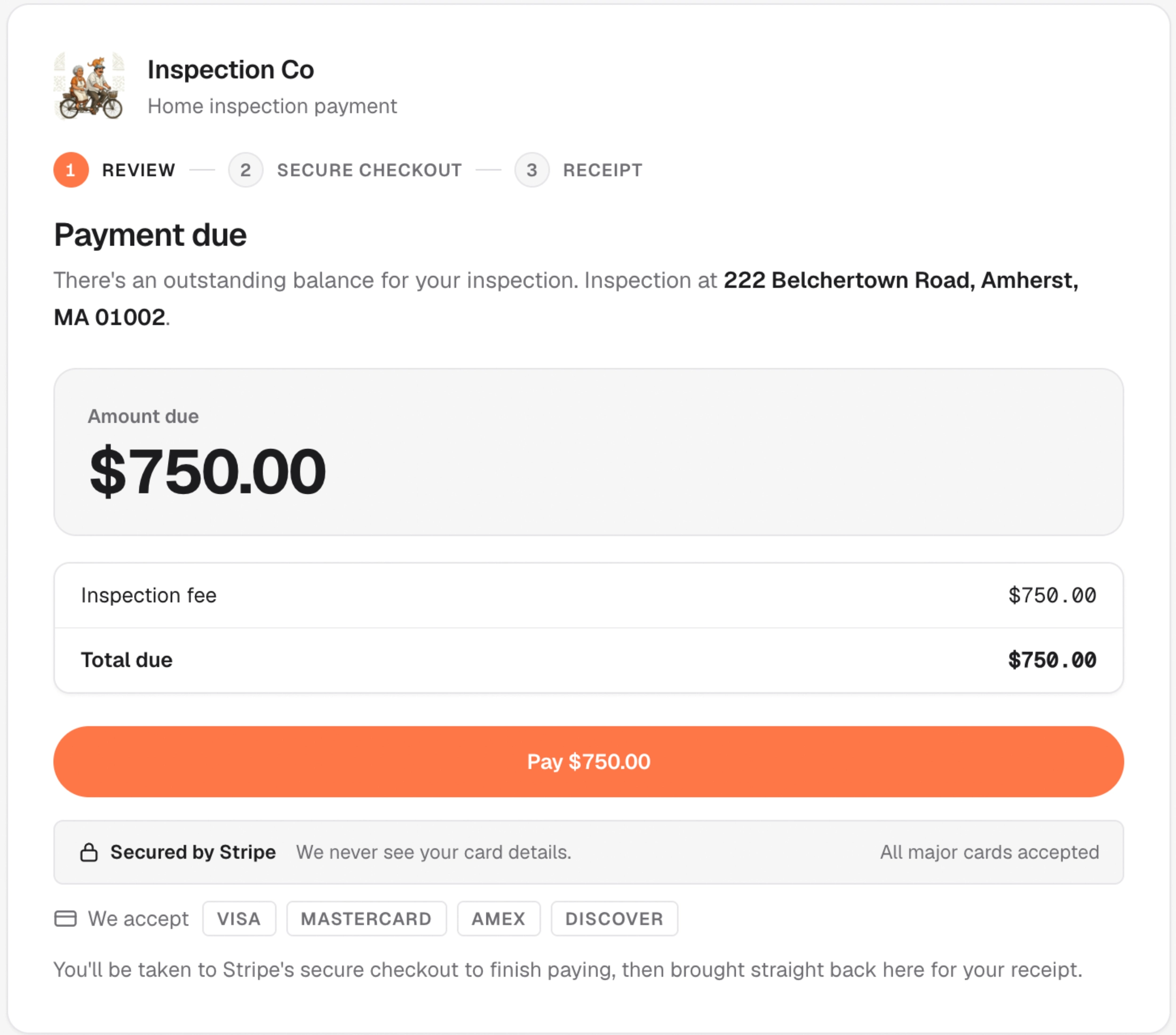
Clients can pay before you pull away. Card payments go straight to your own Stripe account.
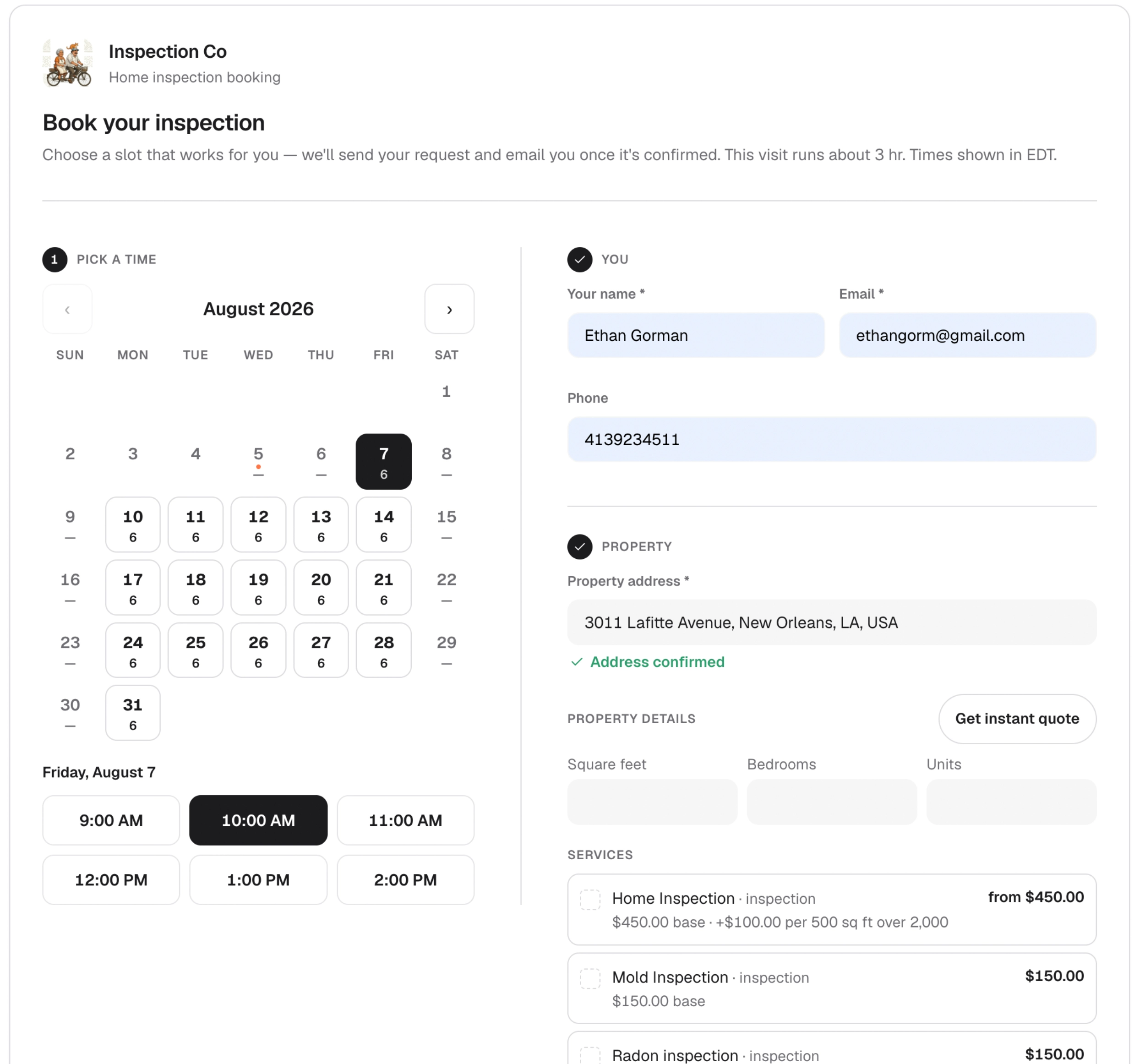
Clients and agents book online, and the job lands on your calendar.
Reminders before the inspection and follow-ups after it go out on their own.

We never sell your data, advertise to your clients, or share their information with anyone.
Write the report in the house

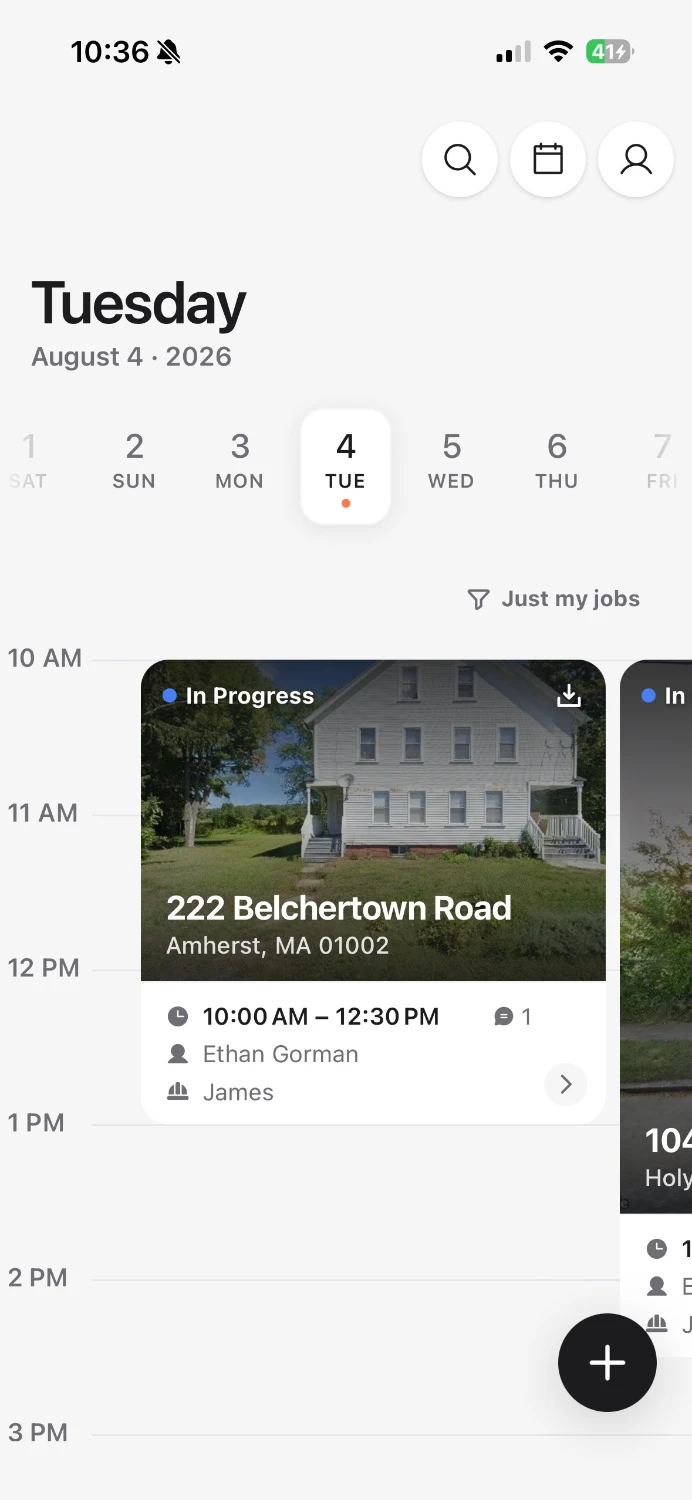
Book the inspection
Start a report, or accept a booking request with the property and client details already filled in.
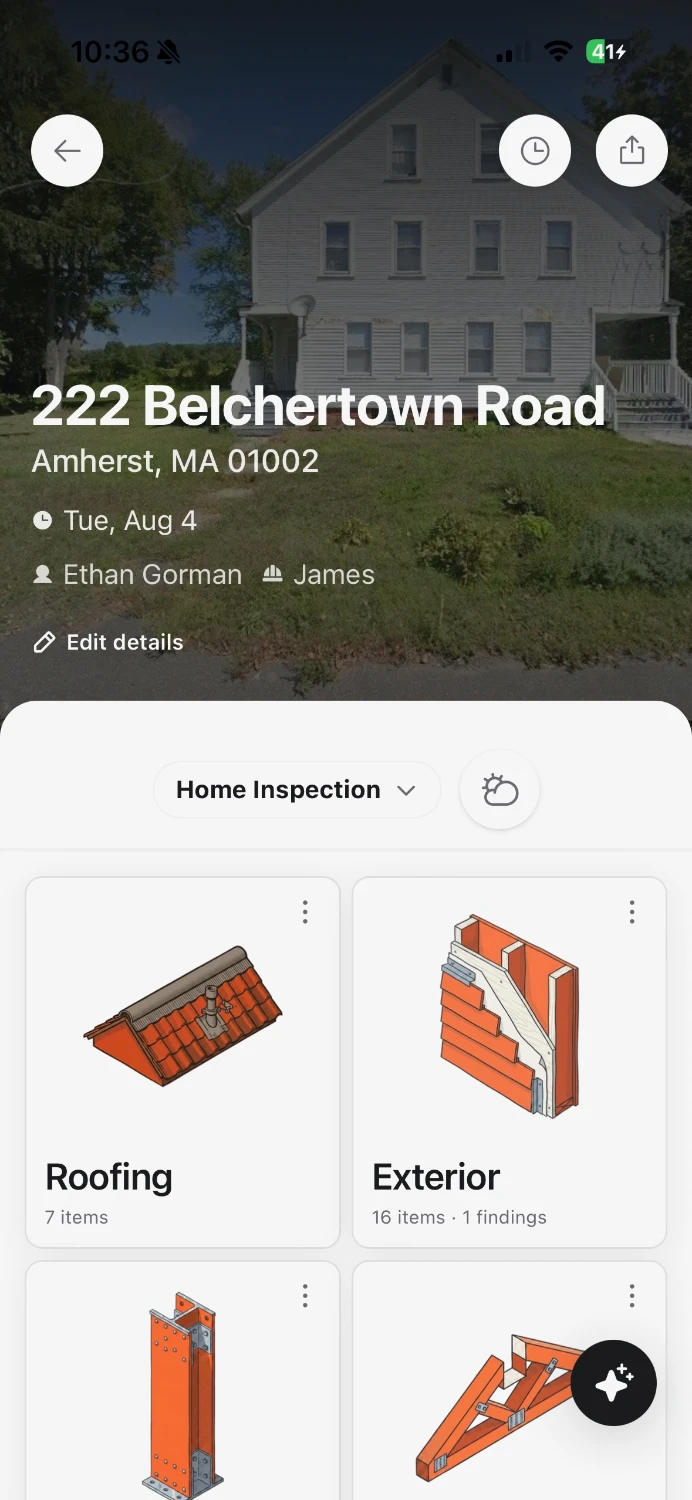
Write it on site, signal or not
Work is saved on the phone and uploads when you have signal.
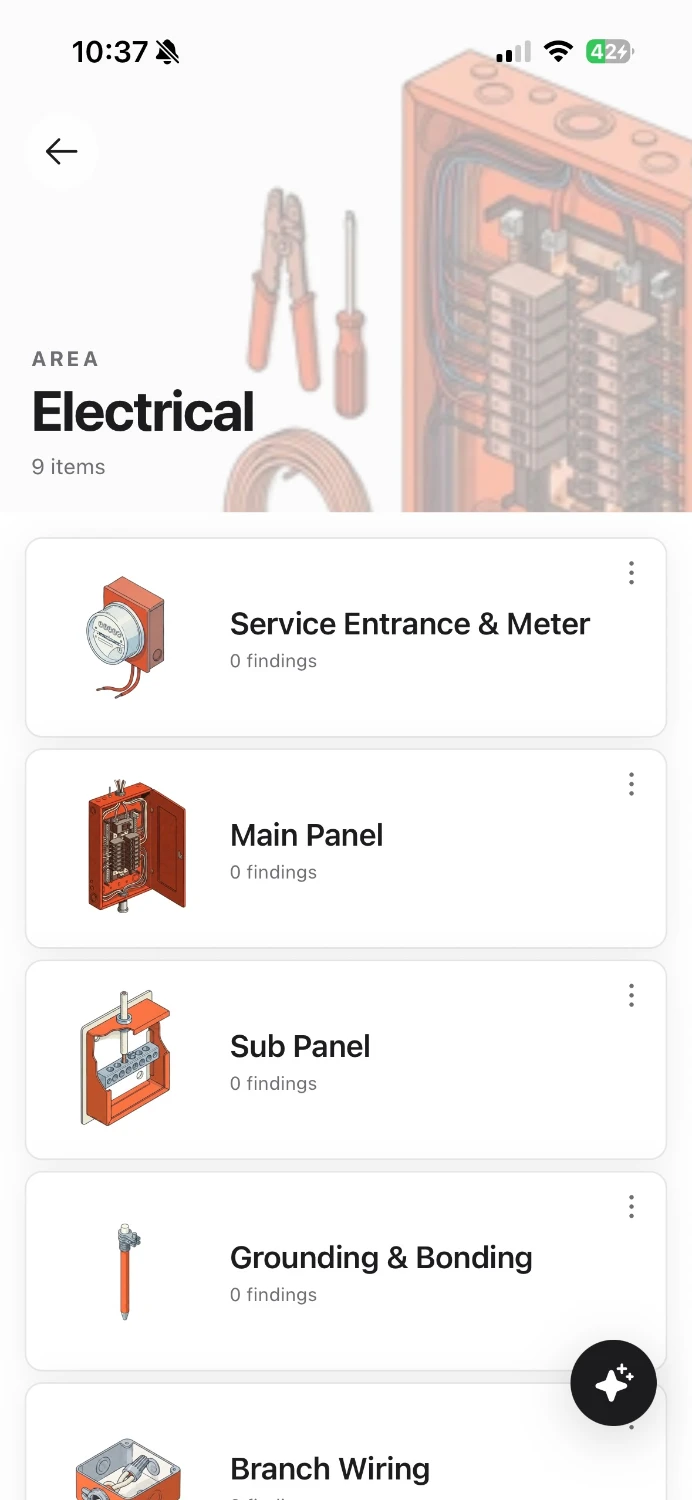
Build templates the way you work
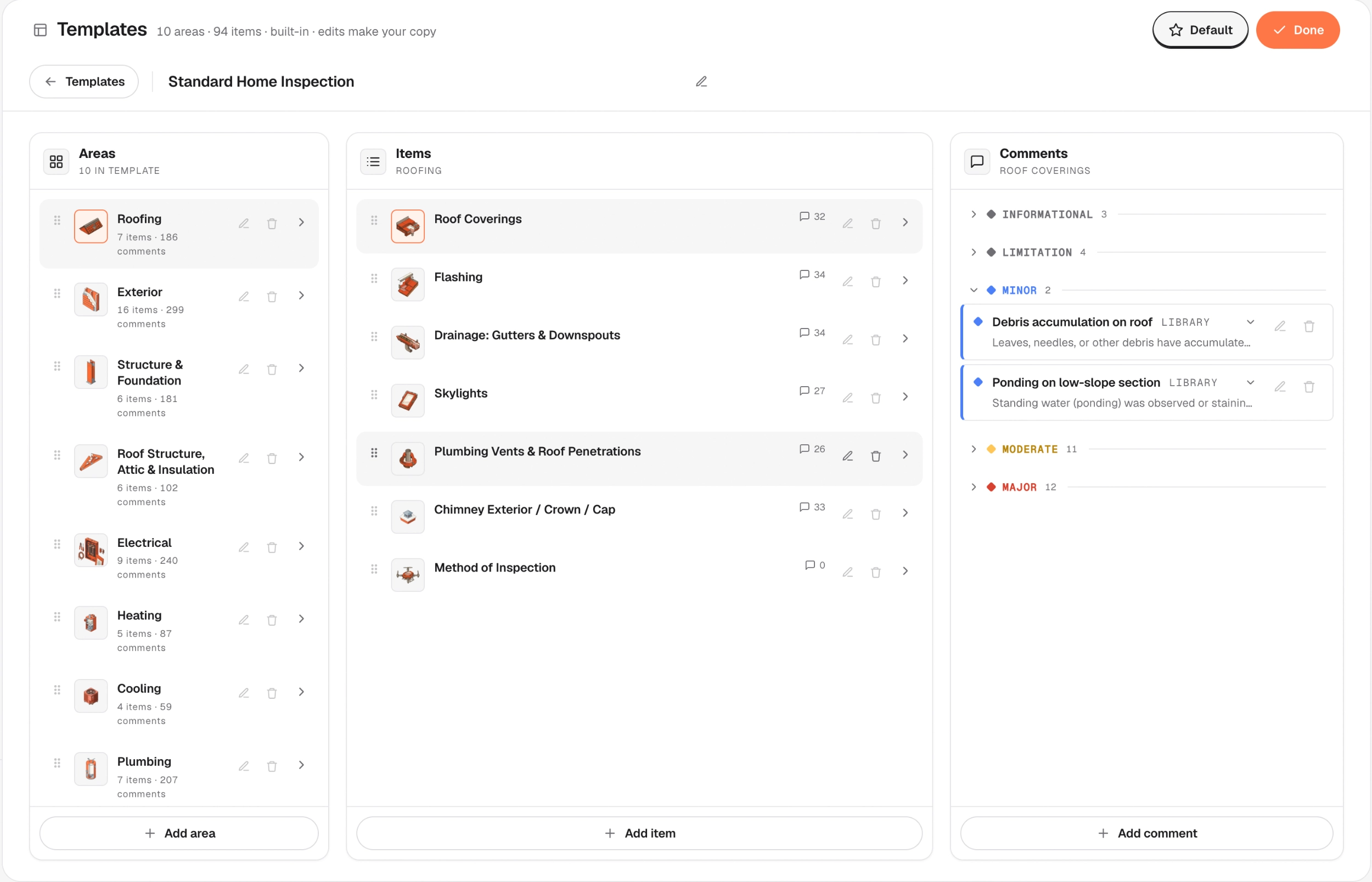
Set up templates for the inspections you do most and share them with your team.
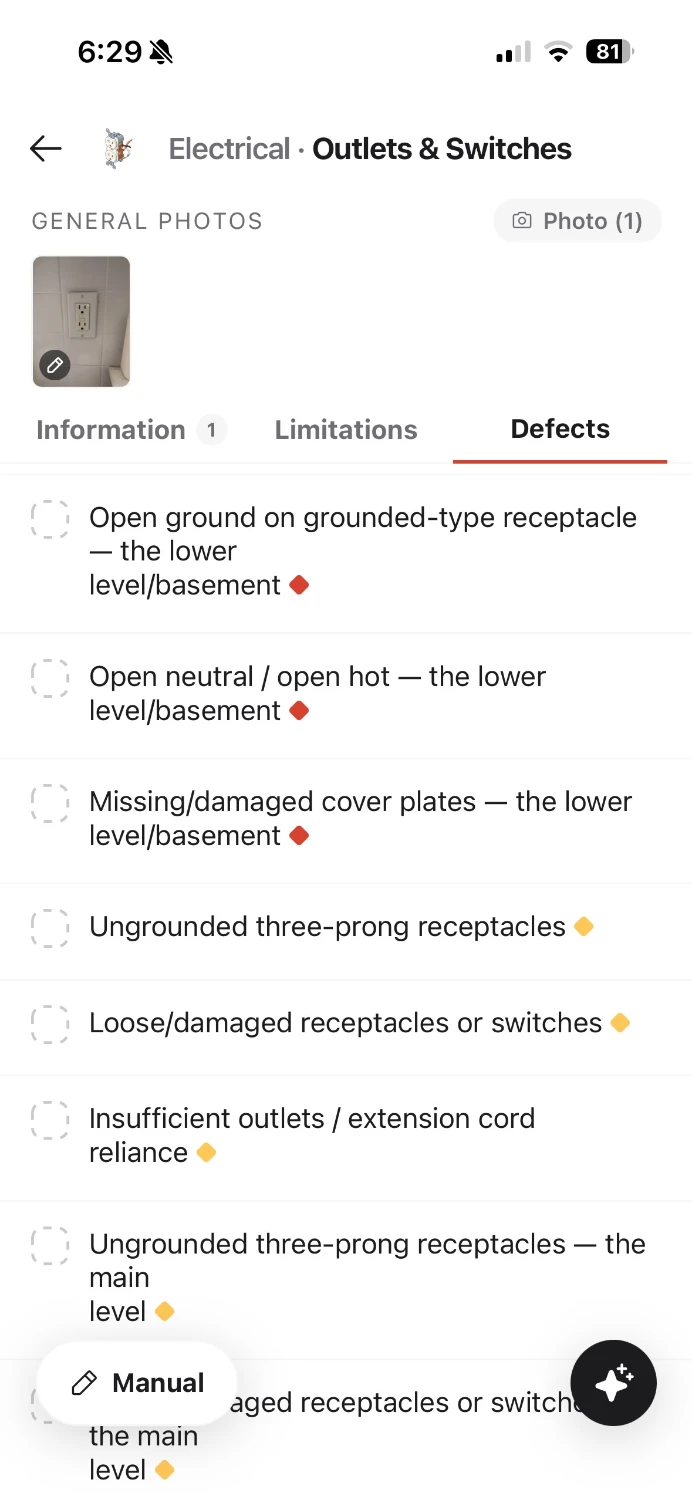
Write findings and add photos
Pick from your comment library or write your own.
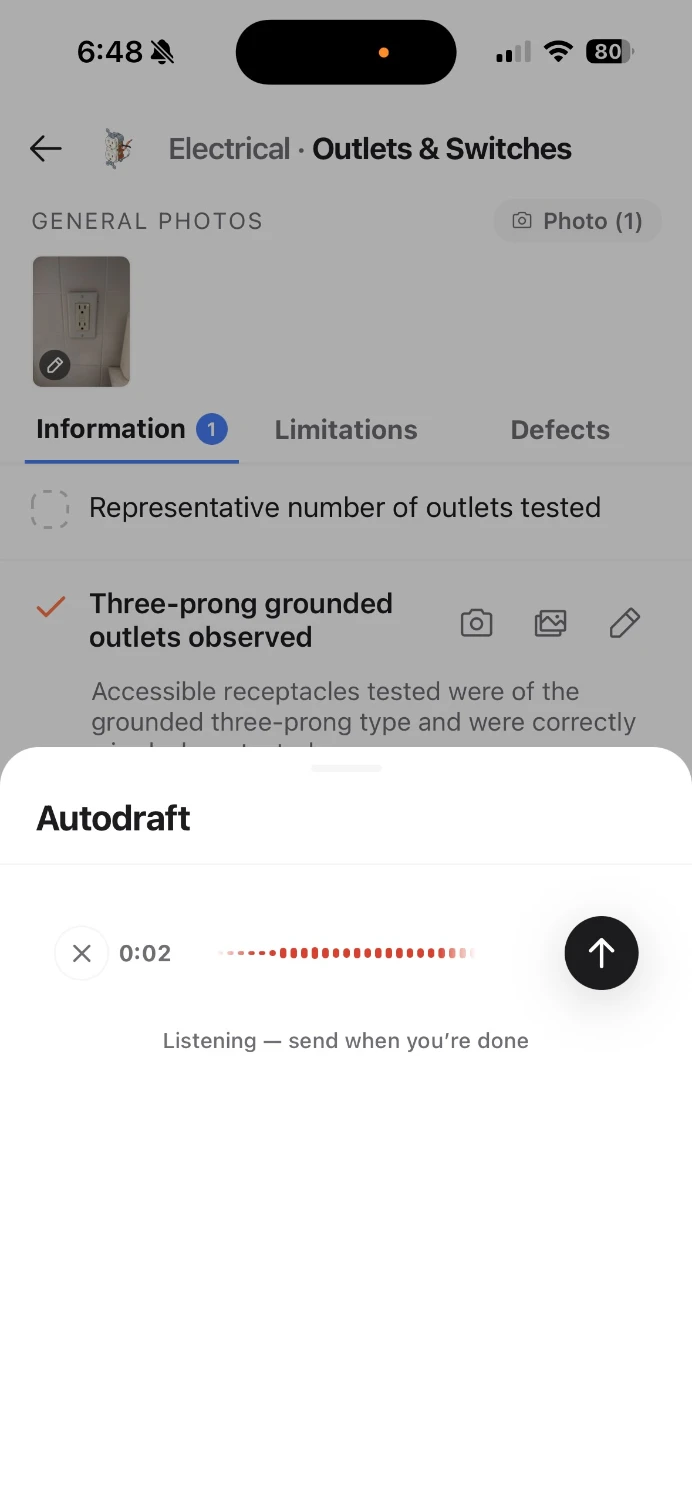
Dictate your findings
Describe what you see. Autodraft matches it to your comment library and drafts the finding for you to review.
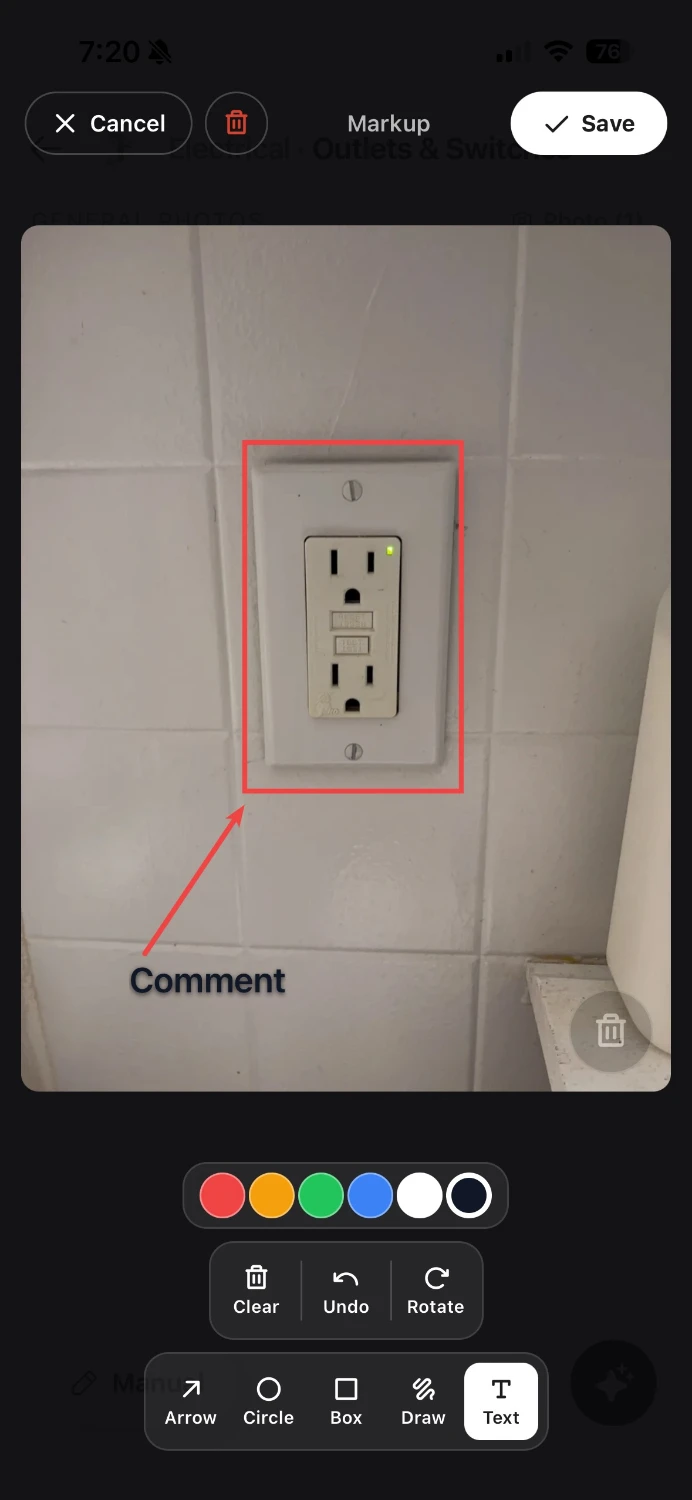
Annotate photos as you shoot them
Add arrows, shapes, and text.
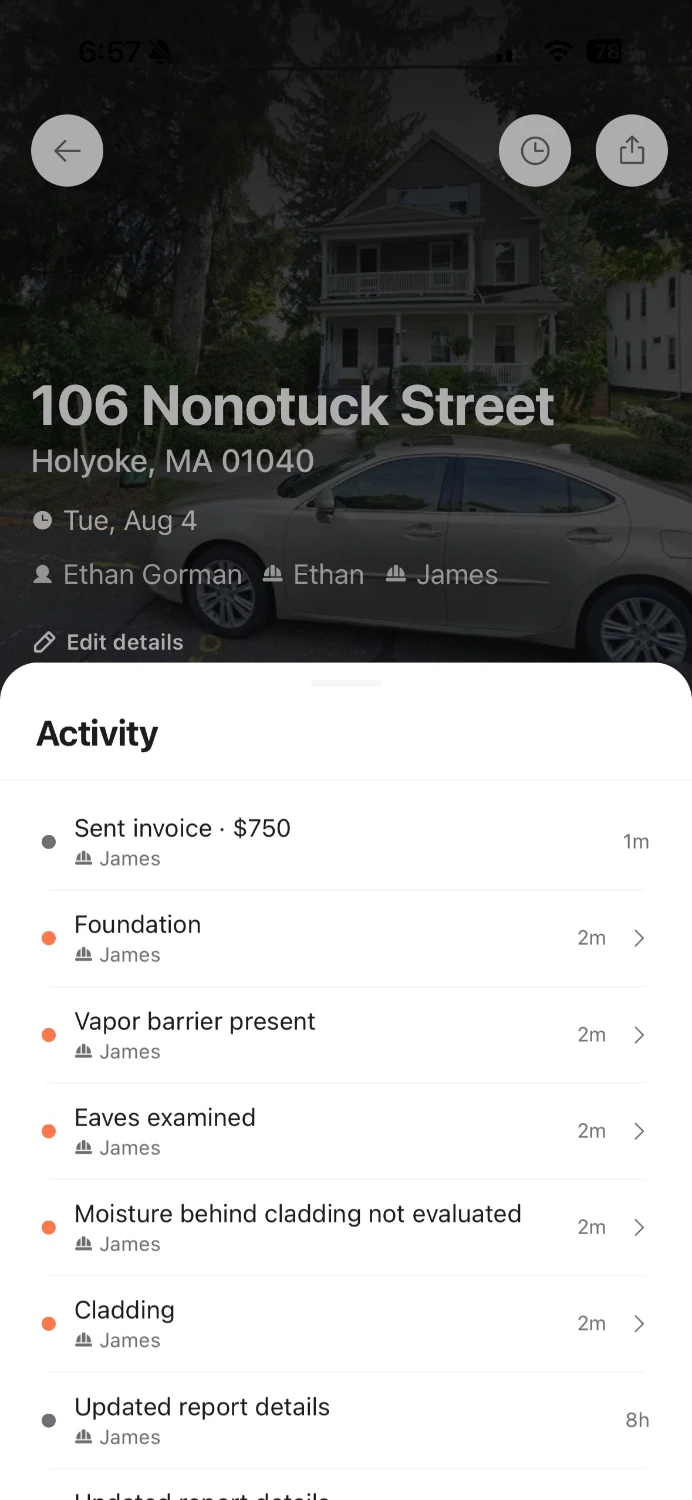
See who changed what
Several inspectors can work in one report at once. Each finding shows who last edited it, and changes reach everyone live or as soon as a phone is back online.
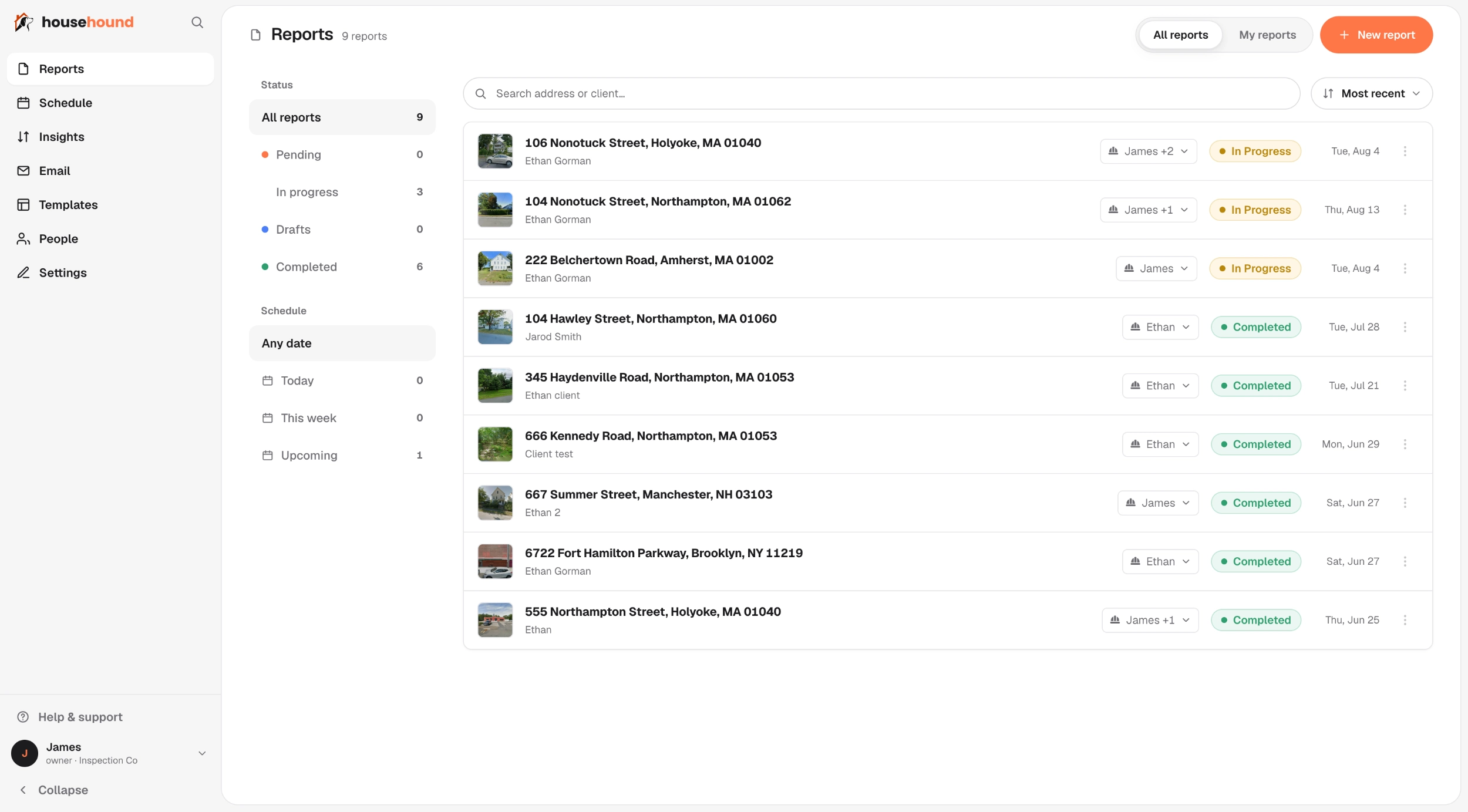
The dashboard
Booking, email, invoicing, and your team
Day and week views for the whole crew, with availability rules, blocked-out time, and daily limits. A job that needs two inspectors is only offered at times when two are free. Reminders and client emails follow the appointment, so moving a job moves them too.
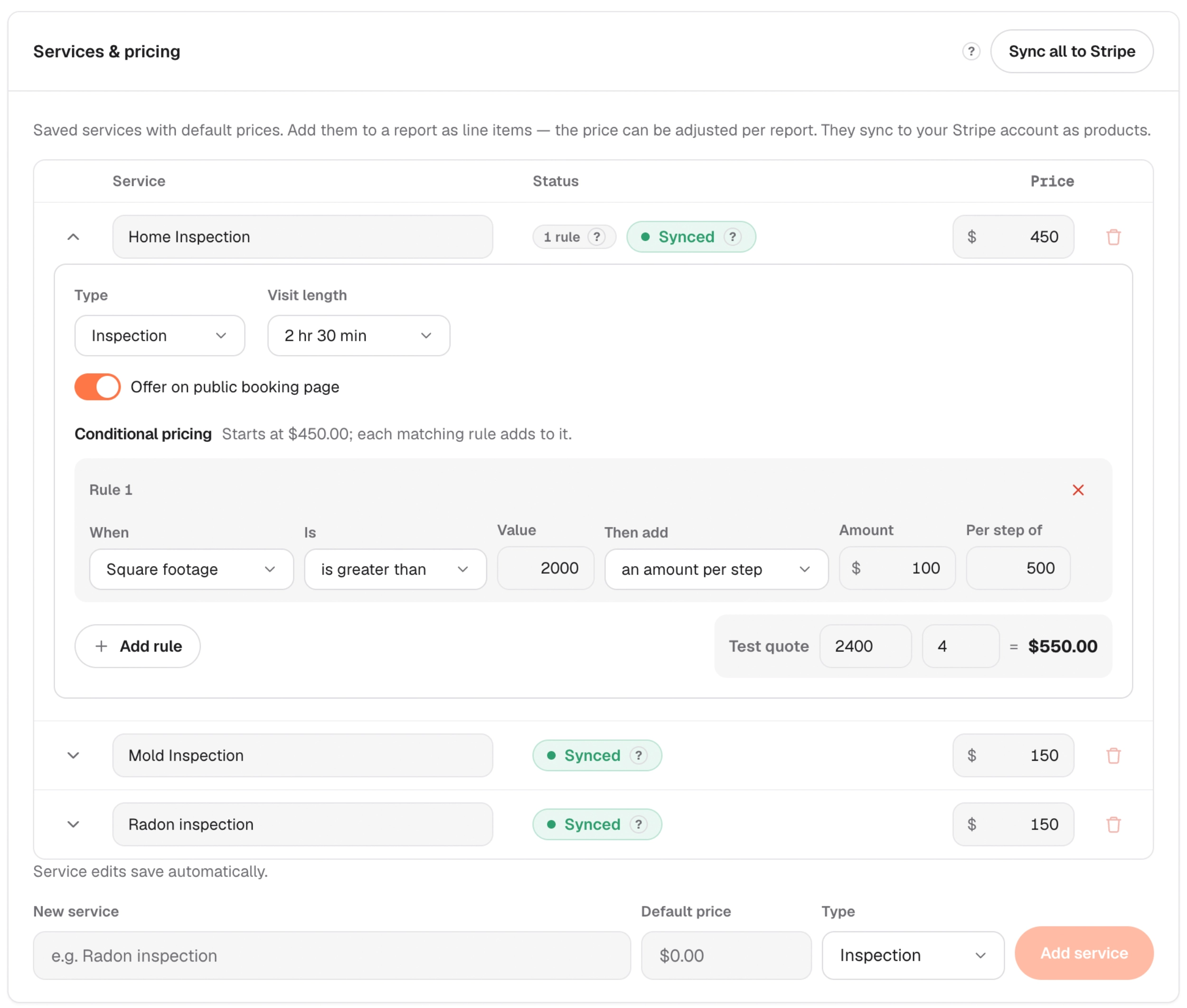
A booking page that quotes from your own pricing rules (square footage, bedrooms, units). Clients pick a time you're free, and the request arrives in your dashboard with the property and contact details filled in. Link to it or embed it on your site.
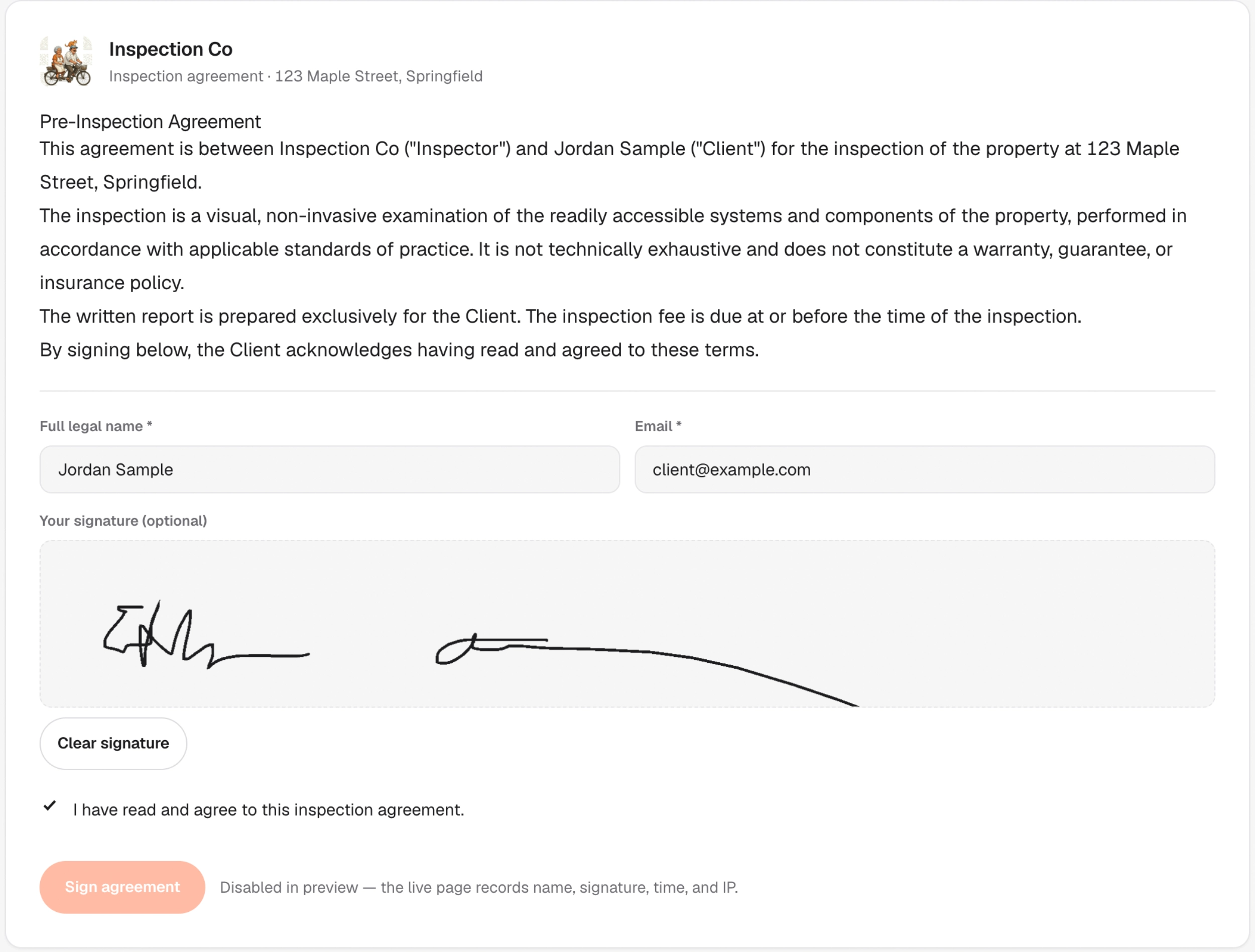
Upload your agreement and choose how many days before the inspection it goes out. The signed copy is kept exactly as signed, so editing your agreement later never changes what a client already agreed to.
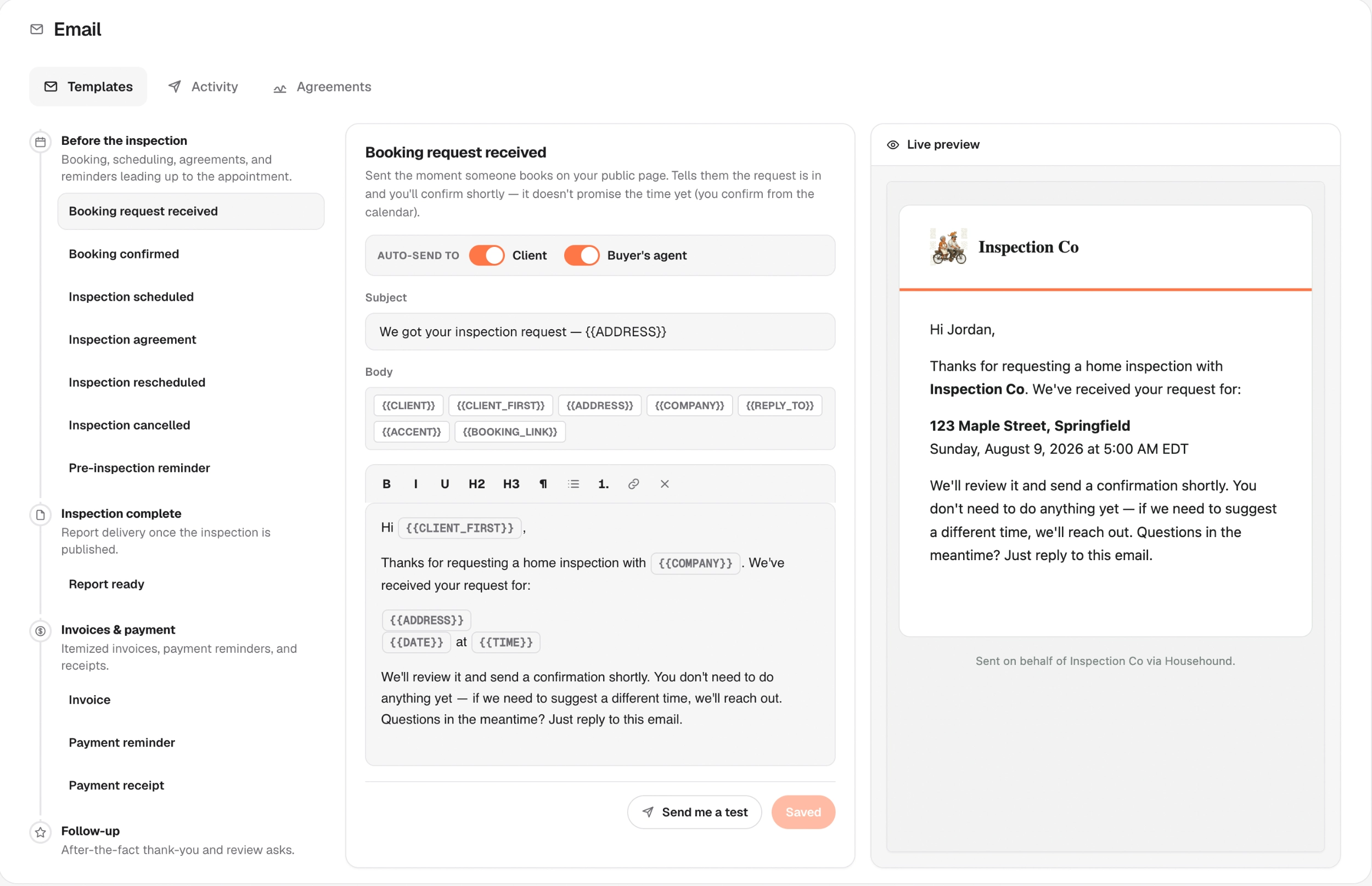
An editable email for each step (booked, confirmed, reminder, report ready, follow-up), with a choice of who receives it and a live preview beside the editor. Addresses that bounce or report spam stop getting mail, and every message sent is listed.
A services catalog with your own pricing rules, itemized invoices, and card payments that go straight to your own Stripe account. We never hold your money.
Areas, items, and findings in your own words. Build a template once and reuse it, and the comment library keeps your wording and severity calls consistent on every report. Import your Spectora templates and comment library directly.
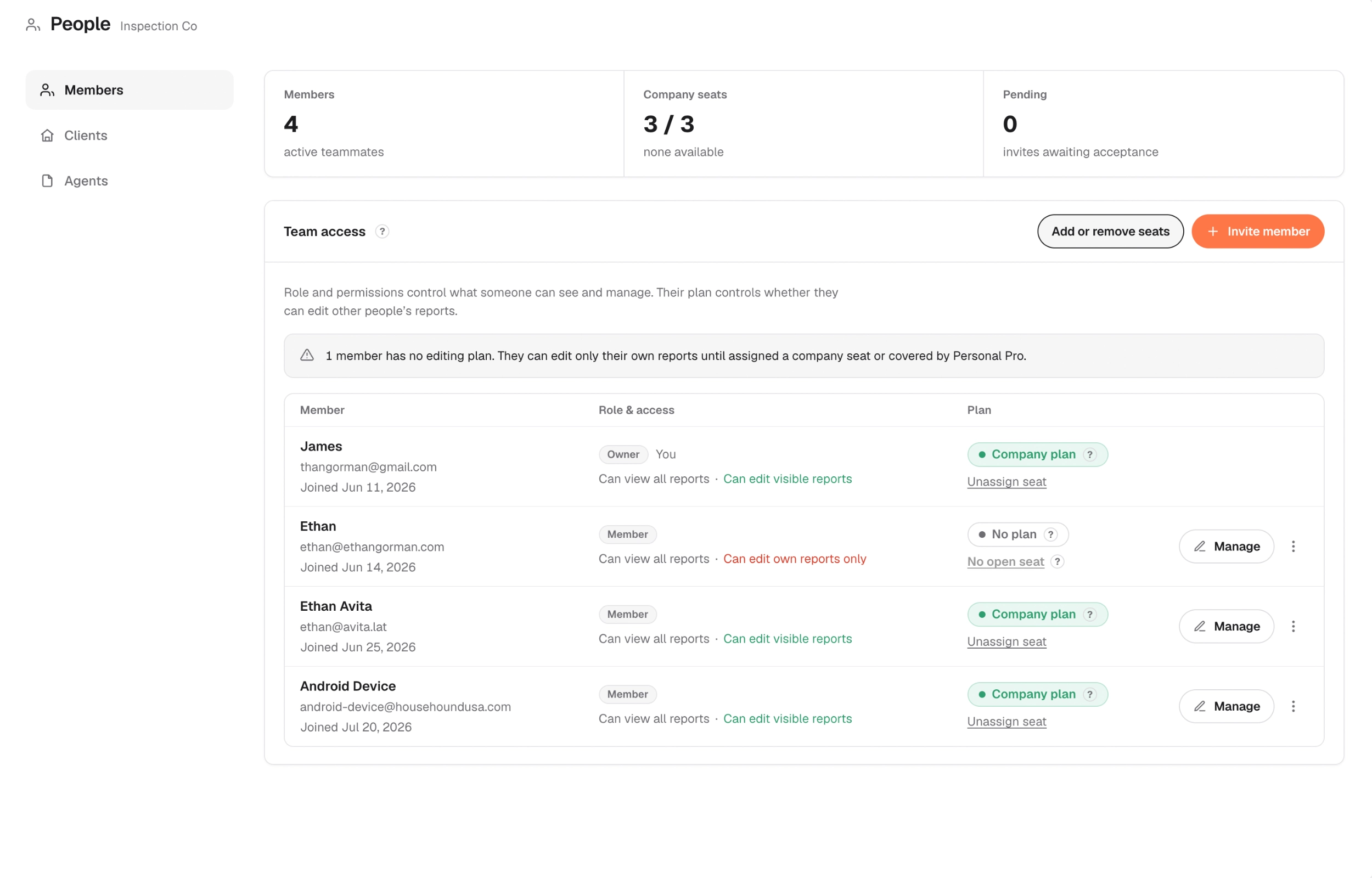
Invite by email, choose what each person can see and do, and add or drop seats as the crew changes. Seats are month to month, and removing one doesn't take a phone call.
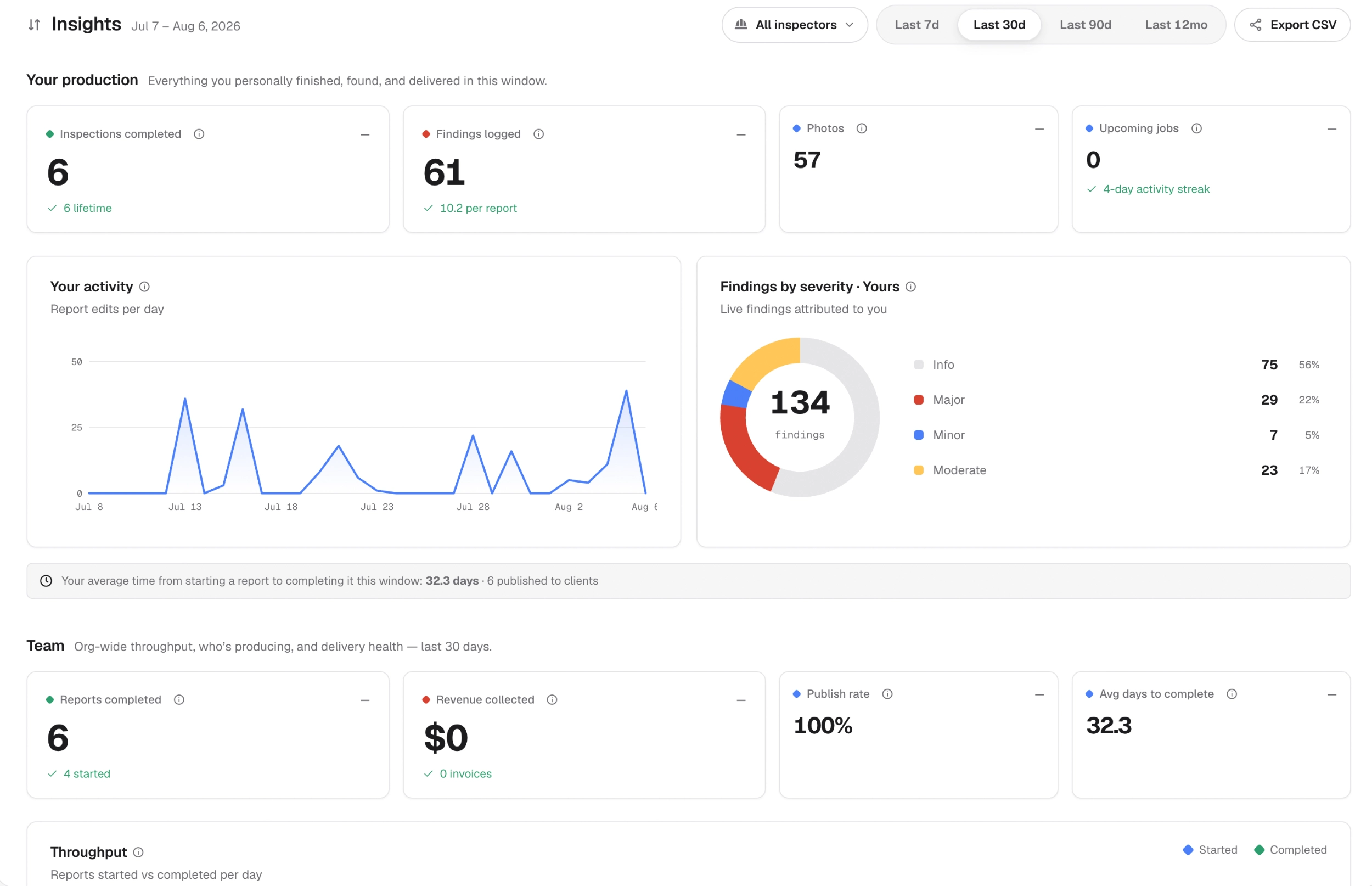
Your production and the team's, over any window: reports started and completed, findings by severity, publish rate, average days to complete, revenue collected, and whether your client emails are being delivered.
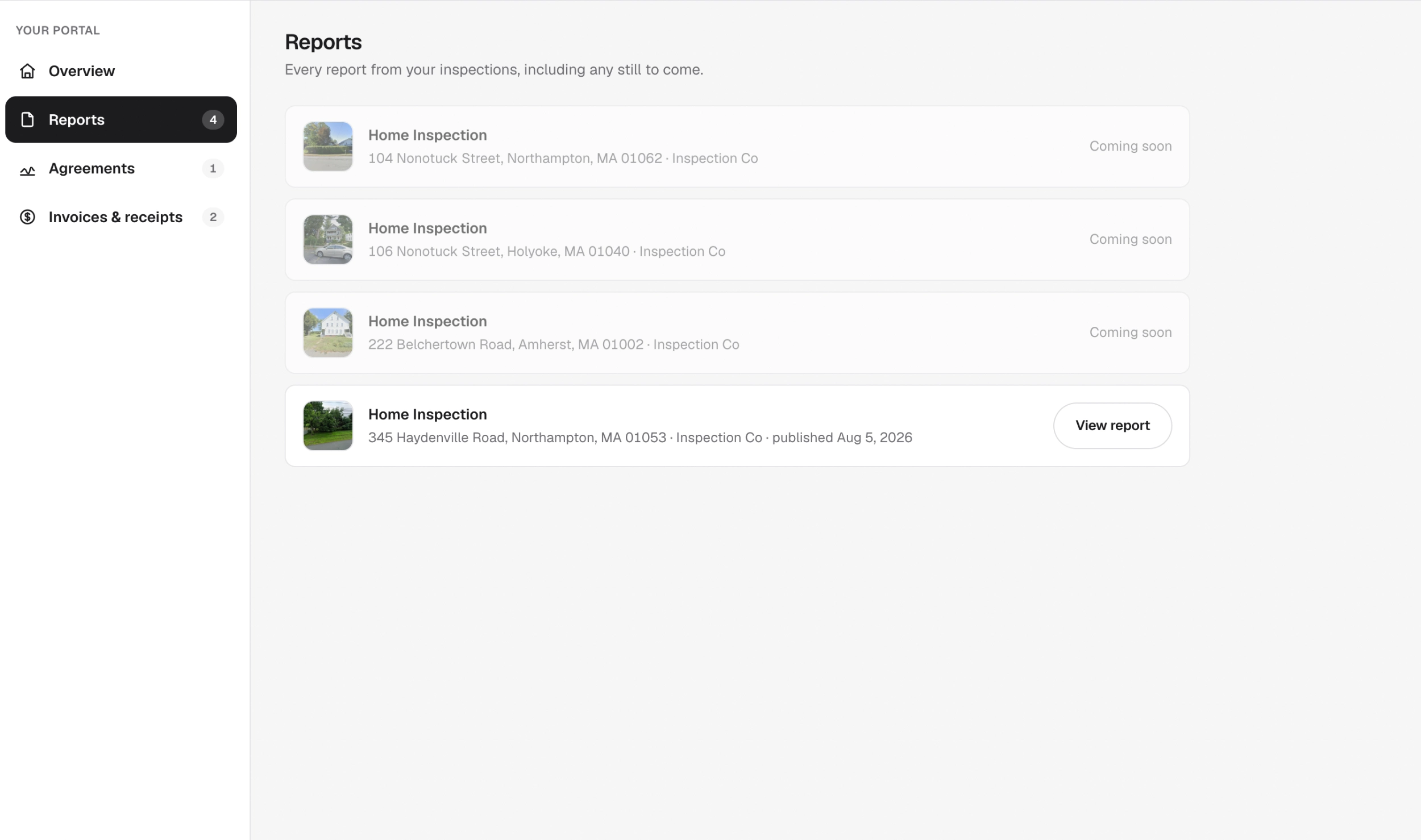
Clients and agents get their own portal with their reports, agreements to sign, and invoices and receipts.
Pricing
One price per inspector
The same price whether you work alone or run a crew of twelve.
$99/ inspector / month
Your first 3 reports are free, and you don’t need a credit card to start.
Get started Unlimited reports, clients, and storageNo per-report fee, no publishing fee, no storage tier.
 Every feature includedScheduling, booking, agreements, invoicing, video and 360°, Autodraft, offline mode. There is no higher plan.
 Your seat travels with youOne seat covers every report you write, including reports for other companies you inspect for. It stays yours when you join or leave a team.
 Your own personal accountAlongside any company you're a member of, you get your own account for your own inspections, with your own templates and comment library.
 Month to monthCancel in one click. Owners add or drop seats as the team changes, and pay only for the inspectors working.
 Real-time collaborationSeveral inspectors in one report at once, online or offline, and every finding shows who last edited it.
Card payments from clients are optional. When you take them, the money goes straight to your own Stripe account, and we take 3.25% + $0.40 per payment, which includes Stripe’s processing fee.
Write your next report on Househound
Bring your templates, book the inspection, and send your client a link to the finished report.